



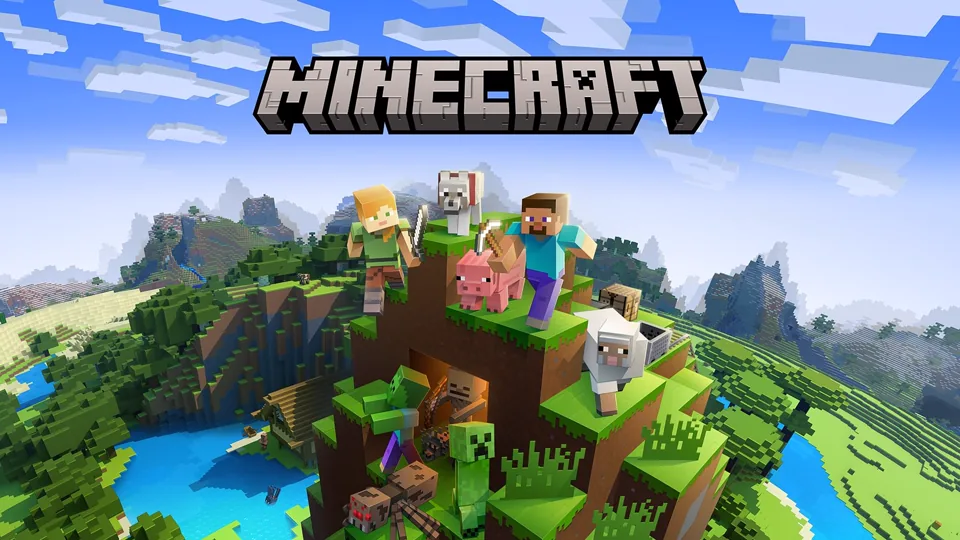

Minecraft Builder Online
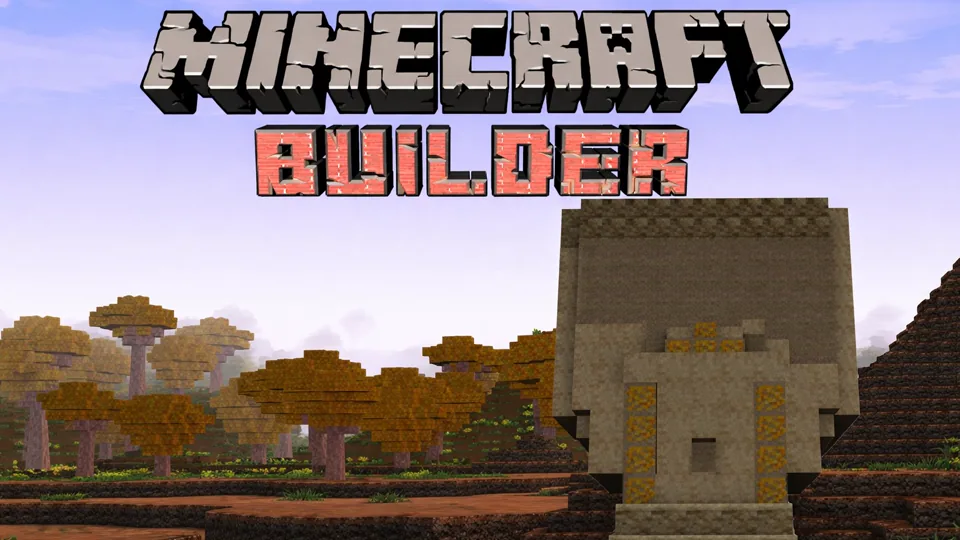
Minecraft Builder is an online block-building game focused on planning structures, placing materials, exploring space, and turning simple cubes into readable builds.
Compact Block Construction
Minecraft Builder is a compact Minecraft-style construction game focused on creative block placement. The goal is not to reproduce every feature of Minecraft. The stronger identity is a focused building space: place blocks, explore the available tools, and make a structure that looks intentional.
That last word matters. Anyone can stack cubes into a box. A good build has purpose, shape, rhythm, and material choices. Even in a lightweight block-builder, the difference between a weak build and a satisfying build usually comes from planning: where the entrance sits, how tall the walls are, what the roof shape says, whether the palette is readable, and whether the surrounding terrain supports the idea.
Minecraft Builder's useful promise is focused block construction: create structures and worlds from cube materials, then revise the build until it reads clearly. Some versions lean toward resource gathering, crafting, survival shelter, and exploration. Others are closer to creative placement and design. In either case, the useful player skill is the same: build small, read the shape, improve the palette, and add detail only when the structure already works.
The strongest build idea is a 3D space for making your own world: build houses and shelters, dig caves, and reshape the landscape. That is narrower and more useful than asking for every Minecraft feature at once. It points to a builder where terrain work matters as much as walls. A good session should not stop at a floating house. It should connect the shelter to a cave mouth, slope, path, garden, mine entrance, or raised platform so the world looks edited by intention.
Shape, Palette, and Revision
The core loop in Minecraft Builder is plan, place, inspect, revise. Start with a small idea: a starter house, bridge, tower, dock, farm wall, garden path, watch post, or underground room. Build the outline first. If the silhouette does not look right, decoration will not save it. Once the shape works from a distance, add materials, windows, supports, stairs, trim, lighting, and terrain.
A strong block build usually begins with proportions. A house that is too wide and too short looks like a bunker. A tower that is too thin may feel like a pillar instead of a building. A bridge with no supports looks unfinished unless it is deliberately magical or futuristic. Before adding detail, step back and ask whether the silhouette communicates the object.
Next comes the block palette. A palette is the small set of blocks that define the build's style. For a rustic house, you might use wood, darker trim, stone foundation, and warm lighting. For a simple castle wall, stone variants and a few darker blocks can add texture without noise. For a modern build, cleaner blocks and stronger contrast may work better. The mistake is using every block because it is available. A limited palette usually looks more professional.
Texture and gradients add depth. Flat walls can be broken with a few related blocks, supports, slabs, stairs, trapdoor-like details, or color variation. Gradients move from dark to light, old to clean, mossy to dry, or heavy to airy. You do not need a giant build to practice this. A single wall is enough: make one flat version, then a textured version, and compare which one reads better.
Landscape painting is the easiest way to make a compact build feel larger. Raise one side of the terrain, cut a small cave into another side, place the structure where the ground changes height, then use paths to show how the player would move through it. A square house on a flat plane looks like a test object. The same house next to a cave entrance, a retaining wall, and a path suddenly has a reason to exist.
Interior design matters too. A building with an empty inside feels like a shell. Even a small room can use zones: entry, storage, crafting, sleeping, balcony, basement, or lookout. Underground bases are especially useful for compact sessions because digging the room also creates material and naturally defines the walls. Add light early so the space feels usable instead of like a cave with furniture thrown inside.
Key Highlights
- Start with a structure that can be finished in one session, not a huge city plan.
- Choose three to six main materials before you begin placing decorative blocks.
- Build the outline and supports first; add windows, trim, and lighting later.
- Use paths, fences, gardens, water edges, or terrain slopes to connect the build to the world.
- Treat caves and shelters as a pair: the shelter gives safety, the cave gives a reason for the base location.
- If survival mechanics are present, build a shelter and resource route before worrying about style.
- If creative mode is available, use it to practice shape and palette without resource pressure.
Creative Building Focus
Minecraft Builder works best as a construction exercise rather than a complete Minecraft replacement. Pure creative building, survival-lite gathering, shelter planning, and quick block tests all share the same practical goal: build something useful or good-looking quickly.
The construction side carries more weight than combat. Choosing materials, shaping roofs, testing bridge supports, making paths, or turning a square room into a place with personality are the central actions. The compact format lowers the commitment: one bridge, one room, one tower, or one starter house is enough to practice a complete idea.
The category mix sets a clear expectation: crafting, Minecraft-style blocks, and sandbox building. A useful build starts with a design problem, not only a survival checklist. "Make a cave base with a visible mine route" is a better goal than "place random blocks." "Build a shelter that explains where the path goes" is better than "make a rectangle." Minecraft Builder becomes stronger when each structure answers what it is for.
Every biome, mob, redstone system, multiplayer server, achievement, and modded feature is outside the compact-builder promise. The value is having a fast canvas and enough block logic to practice design. Deeper mining, combat, and multiplayer survival belong to broader Minecraft-style sandboxes; this entry is strongest when the build itself is the project.
If a version exposes multiplayer or logic-style building, keep the same standard. Cooperative projects need modules: one player handles terrain, one handles walls, one handles roofs, one handles interiors. Redstone-like mechanisms or automatic doors should be added after the building shape works, not before. A hidden door in an ugly wall is still an ugly wall. Make the architecture readable first, then make it clever.
The useful method is concrete: decide the theme, limit the palette, build the shell, inspect the silhouette, add structural detail, then connect the build to the surrounding land.
Finish One Small Build
Start with a tiny test shape: a short wall, a doorway, a roof edge, and one removed block. That small warm-up teaches movement, camera angle, block selection, placement, and removal before the real structure begins.
For the best session, pick one build type and finish it. A small bridge teaches supports, arches, and railings. A dock teaches water edges and detail density. A tower teaches vertical proportions. A starter house teaches roof shape, windows, and interior use. An underground room teaches lighting and modular layout. One finished small build is better than five abandoned foundations.
For this specific game, a cave shelter is a strong first project because it touches the main verbs at once. Dig a shallow cave, square off the interior just enough to make it readable, build a small front wall, add a path outside, then place a watch post or garden above it. That teaches digging, building, terrain shaping, and scale in a single contained plan.
Use reference thinking, not copying. Look at real houses, barns, bridges, castles, gardens, or mining rooms and ask what makes them recognizable. Is it the roof pitch, the pillars, the doorway, the path, the fence line, or the material contrast? Translate that idea into blocks instead of trying to reproduce every detail.
Avoid decorating too early. Many weak builds fail because the player adds torches, trim, flowers, and extra colors before the main shape works. First make the silhouette readable. Then add structure. Then add texture. Then add decoration. That order keeps the build from becoming noisy.
If survival rules are active, separate practical and visual goals. Build the first shelter fast, then improve it once you are safe. If creative rules are active, make your own constraint: one palette, one footprint, one theme, one finished structure. Constraints are what turn a blank block world into a design problem worth solving.
The cleanest long-term habit is to build in connected scenes. A house, cave, bridge, tower, and farm are separate objects. A house beside a cave, linked by a path to a bridge, watched by a small tower, and supported by a farm becomes a world. That is where compact block construction stops feeling like random practice.