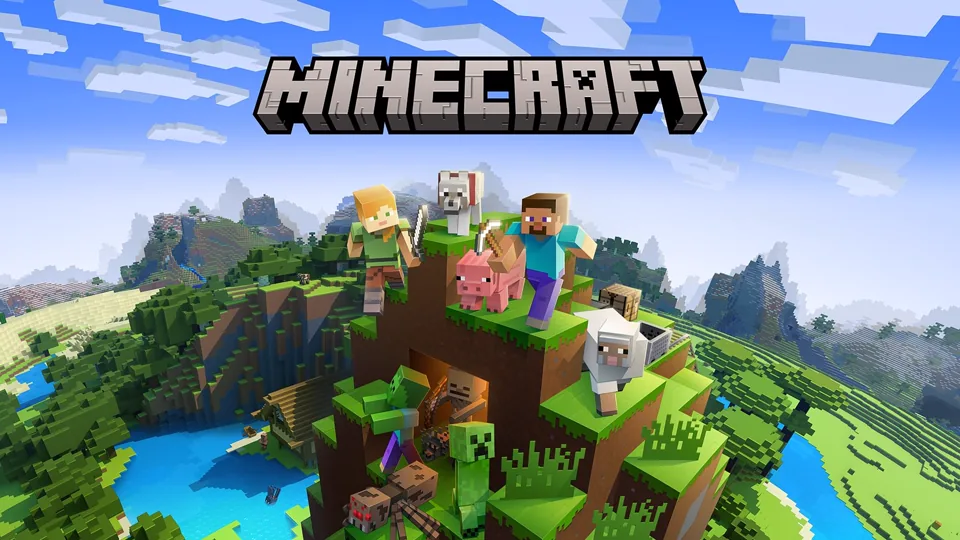
Eaglercraft Unblocked Online
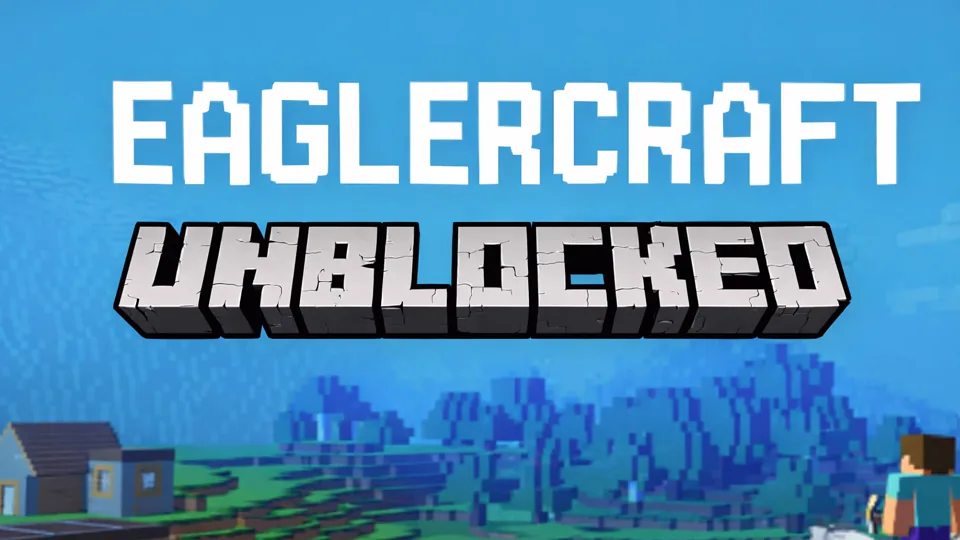
Eaglercraft Unblocked is a lightweight Minecraft-style sandbox focused on Creative building, Survival progression, saved worlds, Shared Worlds, and multiplayer access.
Low-Setup Eaglercraft Play
Eaglercraft Unblocked is best understood as a quick-access EaglercraftX-style Minecraft sandbox. The focus is still the familiar block loop: move through a generated world, break blocks, collect resources, craft tools, build shelters, explore terrain, fight or avoid mobs, and decide whether the session should be a Creative build test, a Survival run, a shared world, or a multiplayer server visit.
The "unblocked" name points to reduced setup, but the game itself should be judged by what Eaglercraft brings to the block sandbox. EaglercraftX 1.8-style builds can support singleplayer worlds, multiplayer server play, Shared Worlds, resource packs, world import and export, mobile touch controls, and persistent world storage.
That makes Eaglercraft Unblocked more than a generic clone. It is useful because it keeps the recognizable Creative and Survival structure while adding portable world handling. A player can build alone, survive alone, invite friends through a shared-world join code, or connect to compatible multiplayer servers. The best way to approach it is to pick the mode first, then let the mode decide what matters.
The version boundary matters because EaglercraftX is closest to classic Minecraft 1.8-style play, not the newest Java Edition feature set. Basic block play does not require advanced visual extras, while higher-end lighting, PBR-style materials, or shader-style effects can demand stronger graphics support. Treat it as a capable classic sandbox, not as a promise of full modern parity.
Creative, Survival, Shared Worlds
The core loop follows the familiar Creative and Survival split. Creative mode removes the resource pressure and lets the player focus on building, testing block placement, flying, measuring space, and experimenting with structures. It is the best mode for learning controls, planning a base shape, checking how materials look together, or building something large without stopping to mine.
Survival mode adds pressure. Wood matters because it starts the tool chain. Stone matters because it improves durability and speed. Coal matters because torches make caves and nights safer. Food matters because exploration becomes risky without it. Shelter matters because hostile mobs punish players who wander without a plan. The opening route is simple but important: gather wood, craft a workbench, make basic tools, find food, build or carve a safe shelter, and mark the area so returning home is possible.
The controls follow the expected Minecraft pattern. WASD handles movement, the mouse handles looking and interacting, the hotbar supports quick item switching, and the inventory turns gathered materials into tools, blocks, and useful supplies. On touch devices, EaglercraftX can enter a touch-control mode when touch input is detected, which makes quick building and survival movement more practical on tablets or phones. Once the basics are comfortable, the game becomes less about remembering keys and more about managing priorities. Should the next few minutes go toward food, mining, a roof, torches, a farm, a bridge, or a better route back from spawn?
EaglercraftX 1.8-style singleplayer is notable because worlds can persist on the device. That means a singleplayer world behaves like a self-contained world rather than a disposable demo. Clearing saved application data can still affect saves, so valuable builds should be exported before they become painful to lose.
World transfer support adds another layer. EPK export lets a player copy an Eaglercraft world between devices or send it to friends. ZIP import and export support for vanilla Minecraft 1.8-style worlds makes it possible to move existing maps into the EaglercraftX environment or take a world back out for other uses. For players who care about long-term builds, that matters because the world is not locked to one fragile session.
Shared Worlds are one of the most useful features. A singleplayer world can be opened to other players through a join code, usually a short letter code generated after the host starts sharing from the pause menu. The host can configure game mode and cheats for joining players, decide whether the world is visible to others on the same Wi-Fi network, and rely on relay URLs so friends can find the shared session. Other devices connect through multiplayer direct connection by entering the code. This makes Eaglercraft feel closer to a LAN-style friend session, except the join-code flow can work beyond one local network when relays are configured consistently.
Resource packs also matter. EaglercraftX 1.8 can import vanilla 1.8 resource packs as ZIP files, storing them on the device so the look and sound of the game can be customized. Familiar textures, clearer UI, custom music, and specific visual styles can all come from that pack workflow. Resource packs are not required for normal play, but they help a session feel less temporary. Shader packs in EaglercraftX are treated as resource-pack components, so visual customization is tied to pack import rather than a separate mod stack.
Multiplayer server play is another major branch. The practical result is simple: compatible servers can support familiar multiplayer goals such as survival communities, PvP, minigames, or public worlds. Pick a server that matches the version and rules you want before carrying important progress far from spawn.
Creative Builders, Survival Starts, Friend Codes
Eaglercraft Unblocked is Minecraft-style gameplay with low setup and familiar controls. Chromebook and lightweight-device behavior matters because Creative, Survival, and multiplayer can begin with minimal preparation. EPK exports, Shared Worlds, resource packs, and server support give it an identity beyond a plain block sandbox.
Creative builders should start with a small structure and learn placement rhythm before scaling up. A bridge, tower, wall, house shell, or platform teaches movement and block reach faster than a huge unfinished base. After that, Creative becomes a planning tool: test roof shapes, material palettes, floor layouts, staircases, farms, and redstone ideas before trying a Survival version.
Survival players should treat the first day as a checklist. Wood, tools, food, shelter, and torches come before long exploration. A player who runs far from spawn without food or a landmark can lose time quickly. A player who marks home, carries blocks, and keeps a crafting table or spare wood ready will recover from mistakes much more easily.
Multiplayer has two main shapes: server or Shared World. Servers are better for public activity, minigames, and larger communities. Shared Worlds are better for a private friend build, a small survival start, or testing a world together without the overhead of running a full server. The choice changes how much privacy, persistence, and control the session can support.
The newest Java Edition systems, heavy mod support, and guaranteed parity with every modern feature are outside its promise. Eaglercraft Unblocked is an accessible Eaglercraft-style sandbox experience centered on Creative building, Survival basics, classic 1.8-style play, and lightweight multiplayer.
Storage, Exports, and Multiplayer Safety
For a first session, Creative is the clean warm-up. It removes danger, so hotbar switching, inventory, movement, building reach, block placement, and visual settings can be learned without losing a Survival world to early mistakes.
For a first Survival run, avoid overexploring. Punch trees, craft tools, gather food, make torches, and build a basic shelter before night. After the first safe base exists, expand outward with marked paths. A small visible tower or repeated block marker can save a lot of time when returning from mining or exploring.
Use world export when a build starts to matter. EPK export is the practical habit for preserving an Eaglercraft world beyond one device or local profile. If importing or exporting vanilla 1.8-style worlds, keep a backup before testing the transfer.
If playing with friends, use Shared Worlds for small private sessions and servers for larger public play. The join-code flow is easiest when everyone knows the same relay setup and enters the code exactly. Voice chat and WebRTC-based features can expose network details on public servers, so use those options carefully. For a private group, the safest habit is simple: export worlds regularly, use trusted relays and servers, disable voice features when they are not needed, and remember that a classic 1.8-style sandbox is strongest when the world itself is protected.