Burrito Craft Online
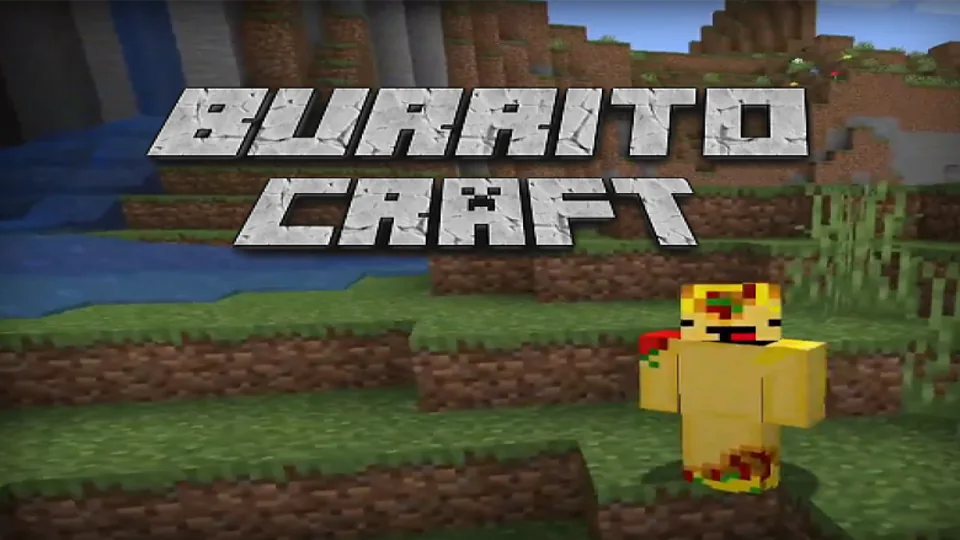
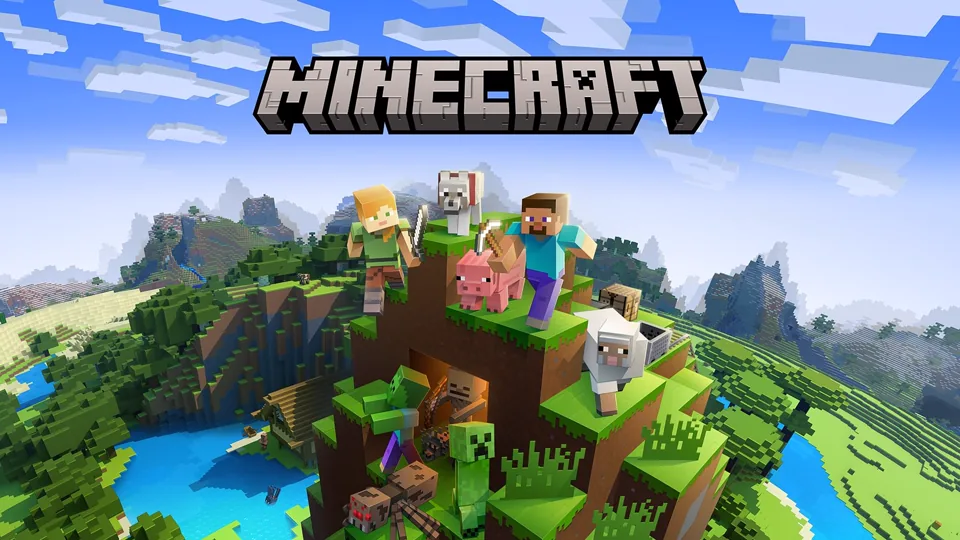
Burrito Craft is a Minecraft-style sandbox where you mine blocks, gather materials, explore bright terrain, and build freely in first person.
Compact First-Person Block Sandbox
Burrito Craft is a first-person block sandbox about exploring terrain, gathering materials, mining useful blocks, and turning a simple world into something shaped by the player. It uses the familiar grammar of Minecraft-style games: square terrain, wood and stone resources, mouse-look movement, left-click mining, right-click placement, quick-access slots, and freeform construction. The key difference is scope. Burrito Craft is lighter and more immediate. It is not built around a long story campaign or a dense quest chain. Its best moments come from small plans made inside an open block world.
The structure is direct. Look around, move through open spaces, break blocks, collect materials, place blocks back down, and gradually make the terrain more useful. A short session can become a five-minute build test: a hut, bridge, wall, tower, stairway, or mine entrance. A longer session can become a survival-style project where nearby terrain is mapped, varied materials are gathered, and a rough shelter turns into a more deliberate base.
Burrito Craft works best when treated as a creativity-first sandbox. It gives enough structure to make movement, mining, and building understandable, but it leaves the objective open. That freedom is the point. One player may build a lookout tower. Another may carve a cave into storage. Another may connect hills with bridges, mark paths, organize resources, or create a simple shared settlement when multiplayer-style sessions are available.
Because the game is compact, the best goal is not to recreate every complex system from a full survival platform. The satisfying core is smaller: move, mine, place, improve, repeat. If that loop feels good, the world starts changing quickly.
Movement, Mining, and Placement
The basic controls follow the standard block-sandbox pattern. The mouse controls where you look. WASD or arrow keys move through the world. Space jumps over blocks and helps climb uneven terrain. Shift can be used carefully near edges, and in Minecraft-style controls it is commonly tied to slower sneaking that prevents accidental falls. Double-tapping W or using a sprint key can create faster movement in similar block games. Left mouse click breaks or mines blocks, while right mouse click places the selected block or uses the held item.
Those controls are simple, but they create the entire design language of Burrito Craft. Looking controls direction. Movement controls exploration. Mining creates inventory. Placement turns inventory into structure. Jumping and edge safety determine what shapes are comfortable to build. A player who understands reach, height, and hotbar switching can build much faster than a player who only knows how to break blocks.
Start with common materials. Wood, stone, dirt, and surface blocks teach mining rhythm, placement distance, and structure scale without wasting rare resources. Wood is fast and readable for starter shelters. Stone feels more permanent and works well for foundations, towers, stairs, and mine entrances. Dirt is useful for temporary ramps, scaffolding, quick repairs, and testing shape before replacing it with better material.
Small projects are the best teachers. A square shelter teaches walls, corners, doors, ceiling height, and basic protection. A bridge teaches spacing, edge control, and how blocks connect across gaps. A tower teaches vertical movement, fall risk, and visibility. A mine entrance teaches route marking and safe descent. These projects are useful not because they are large, but because each one teaches a different part of the sandbox.
Terrain-Led Building
Exploration gives building context. A flat field is good for a first base, but hills, caves, forests, ledges, water edges, open clearings, and biome-like terrain shifts create different opportunities. A hill can become a lookout. A cave can become storage, shelter, or a mining route. A forest gives easy wood access. A river, ravine, or gap invites a bridge. A wide clearing makes larger planning easier.
The strongest builds often come from reading the terrain instead of forcing the same box everywhere. If a hill already creates height, build into it. If a cave already creates enclosure, clean it up and mark the entrance. If two useful areas sit apart, connect them with a road or bridge. If the area is flat, use towers, paths, and material contrast to create landmarks.
Material choice changes the feel of a structure. Wood can make a cabin, platform, or fence feel warm and quick. Stone can make a base feel grounded. Dirt and temporary blocks can support construction without becoming part of the final design. Rare or brighter blocks are best saved for accents: roof edges, doorway frames, paths, windows, markers, stair borders, or storage labels. Burrito Craft becomes more satisfying when every block type has a job.
Avoid the common sandbox mistake of building only flat boxes. Add depth with corners, columns, overhangs, window gaps, roof layers, stairs, paths, and small landmarks. Even a tiny shelter looks better when the doorway is framed, the roof has shape, and the route to it is clear. Block worlds reward readable shapes more than excessive decoration.
Hotbar Flow and Shared Spaces
Hotbar planning matters because mining and building are only fun when switching tools feels smooth. Keep the most-used building block in an easy slot. Keep a mining tool ready. Keep temporary blocks close if you are working upward or across gaps. Keep the item you need for safety or interaction reachable. A messy hotbar turns building into fumbling, especially near edges.
The selected hotbar item decides what your hand can do right now, and number keys or the mouse wheel make fast switching possible. Burrito Craft benefits from that habit. Before starting a project, load the hotbar with the materials and tools the project needs. If you are building a bridge, carry the bridge block, a temporary block, and a tool. If you are mining, carry a pick, markers, and enough blocks to patch holes or build stairs.
Single-player and multiplayer-style sessions change priorities. In solo play, Burrito Craft is calm and self-directed. You can build at any pace, test ideas, explore, and abandon a rough design without affecting anyone else. In shared sessions, the same blocks become communication. Paths, doors, storage areas, resource zones, bridges, and towers should be readable to other players. A structure that makes sense to one builder can confuse a teammate if there are no landmarks or clear entrances.
Good shared builds are usable as well as creative. Make entrances visible. Avoid blocking main paths with random walls. Use broad bridges when movement matters. Put storage in obvious places. Mark routes with repeated materials, lights, towers, or roads. A block world feels more intentional when important areas are connected.
Practical Build Plan
Start small and finish one thing. A complete shelter is better than a giant unfinished outline because it teaches the full loop: gather, place, adjust, improve, and move on. Once that loop feels natural, scale the next project. A hut can become a base. A base can get a path. A path can lead to a mine. A mine can support a tower. The world grows by connecting finished pieces.
Use Shift or careful slow movement near edges, and slow down when building upward. Falling breaks creative flow and makes tall builds frustrating. Use temporary blocks as scaffolding, then remove them once the final shape is stable. When bridging, place blocks from a safe position and check alignment before sprinting across.
Let the terrain suggest the project. If you find a useful hill, build a lookout. If you find a cave, turn it into storage. If you find two resource areas, connect them. If you find a wide empty field, make a plaza or starter village. Burrito Craft does not need a perfect plan before the first block is placed. It works best when one practical structure leads to the next.
Burrito Craft's value is the clean sandbox rhythm: explore the world, collect what is nearby, build something visible, then keep improving the area until it feels like yours. Creative-mode building, light survival preparation, terrain experiments, and quick block-world projects carry the experience. Deep progression, complex combat, heavy mod support, and full Minecraft parity are outside the core promise.